
Make something new from a photo.
Fix shooting mistakes, remove background clutter, dress up in festive holiday attire, or bring cherished still photos to life with short videos.
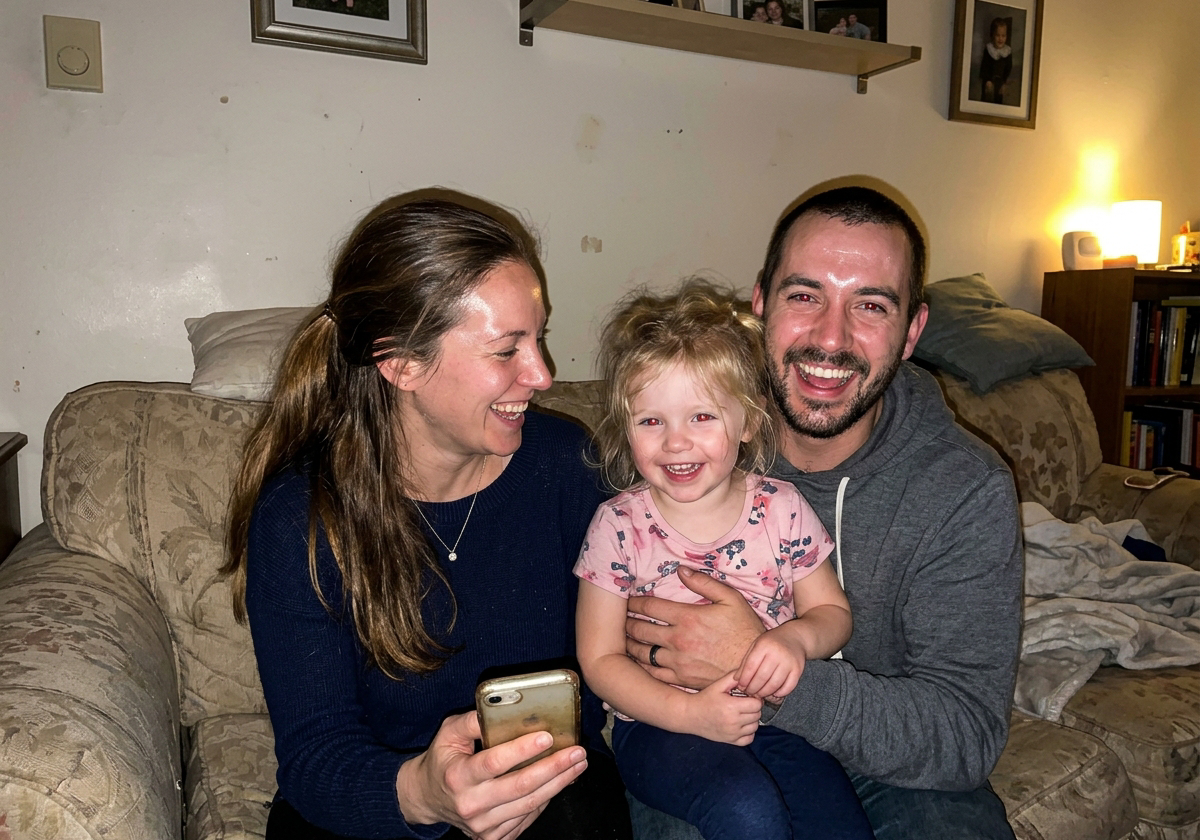
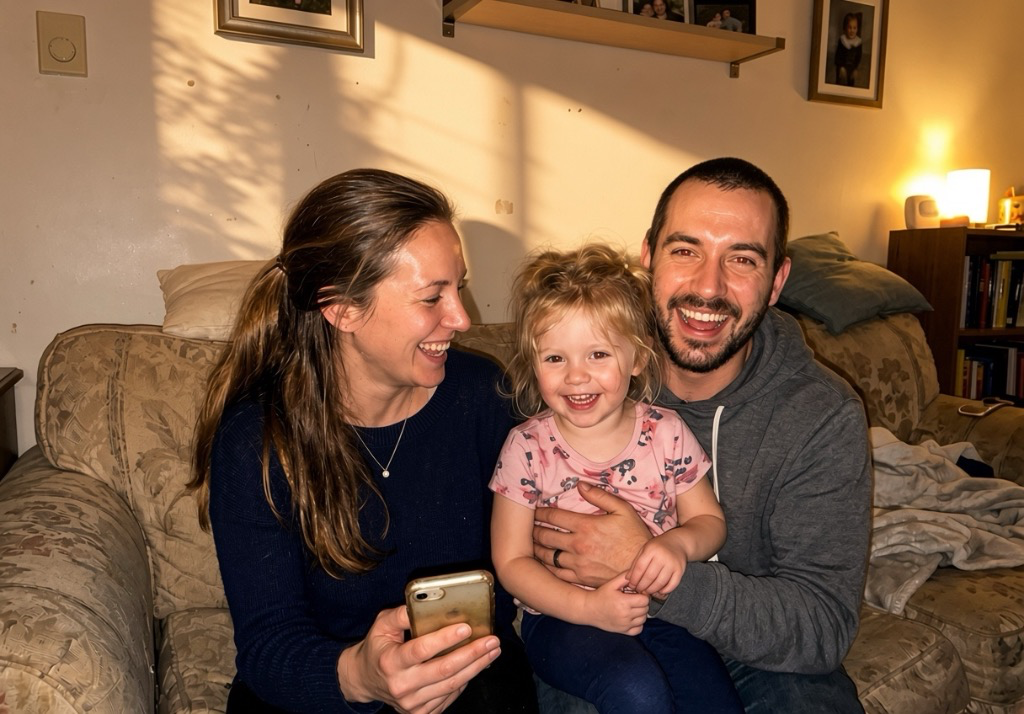
Clean up shooting mistakes
Fix harsh flash glare, dark shadows, or red-eye so spontaneous family smiles look natural and clear.
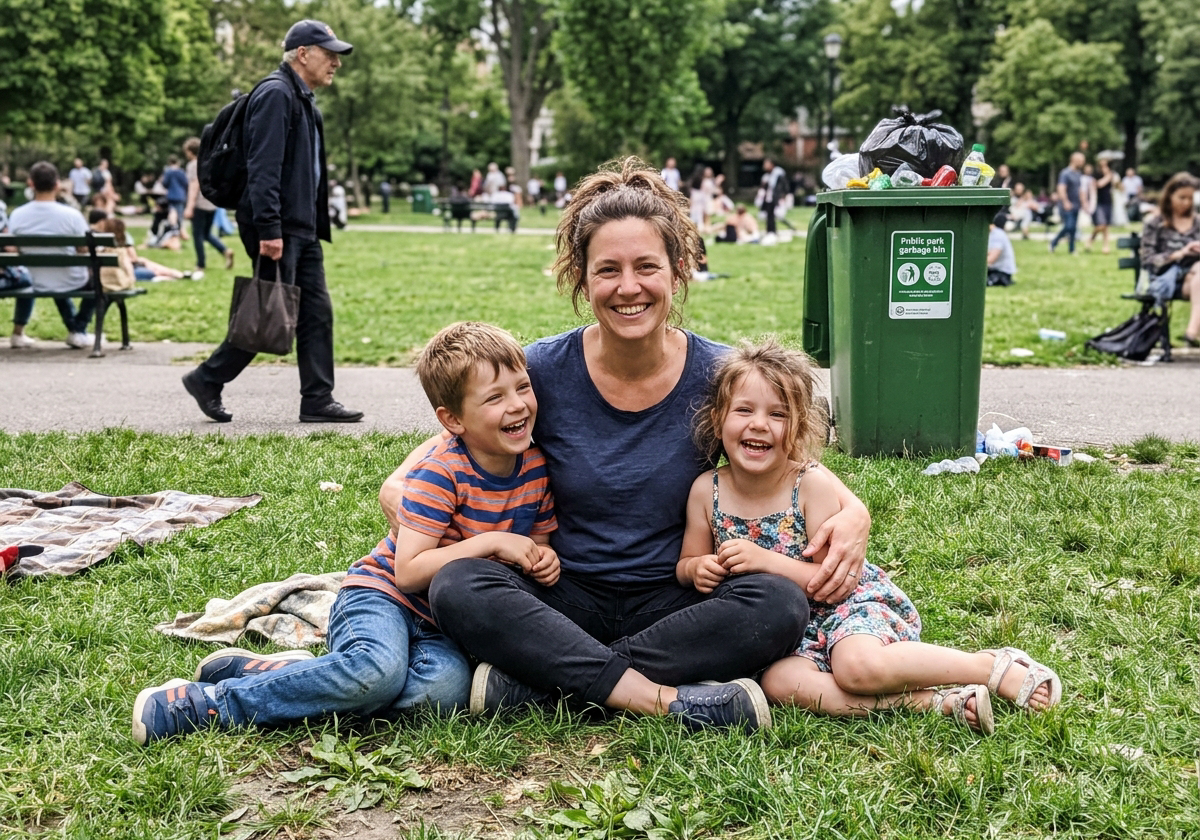
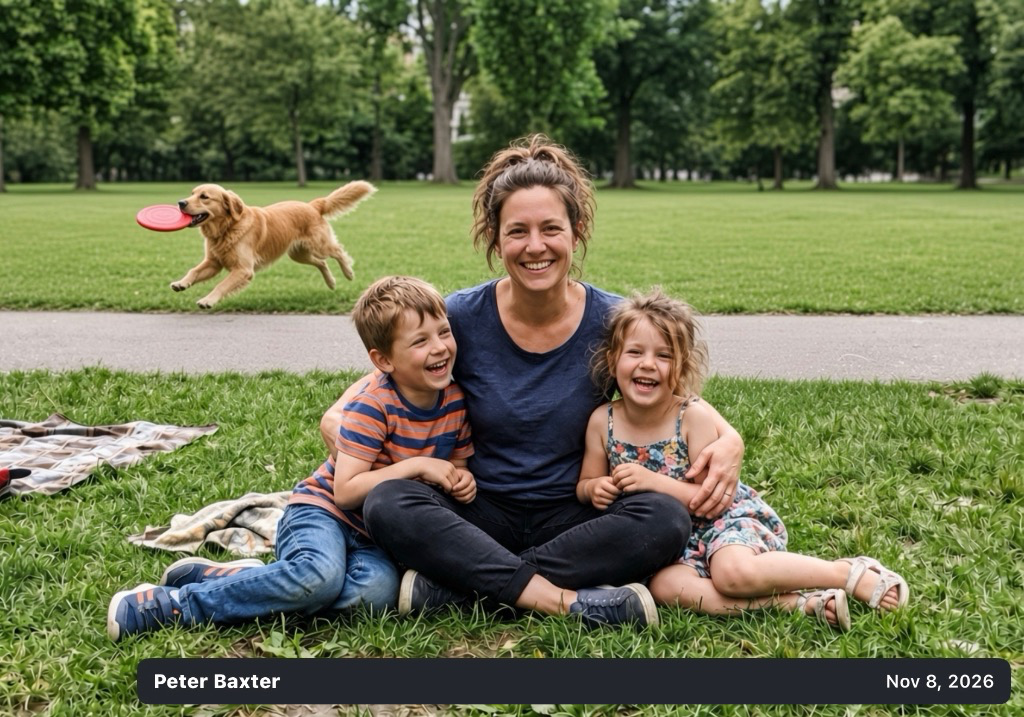
Remove clutter & photobombers
Erase background trash cans, messy cables, or random strangers passing by so the people you love take center stage.


Festive attire & seasonal settings
Add cozy Christmas sweaters, Santa hats, or snowy backgrounds right now at Christmas time, or add party hats for birthdays.


Transform background & setting
Transport a living room snapshot to a snowy mountain cabin, glowing fireplace, autumn park, or sunny beach vacation.

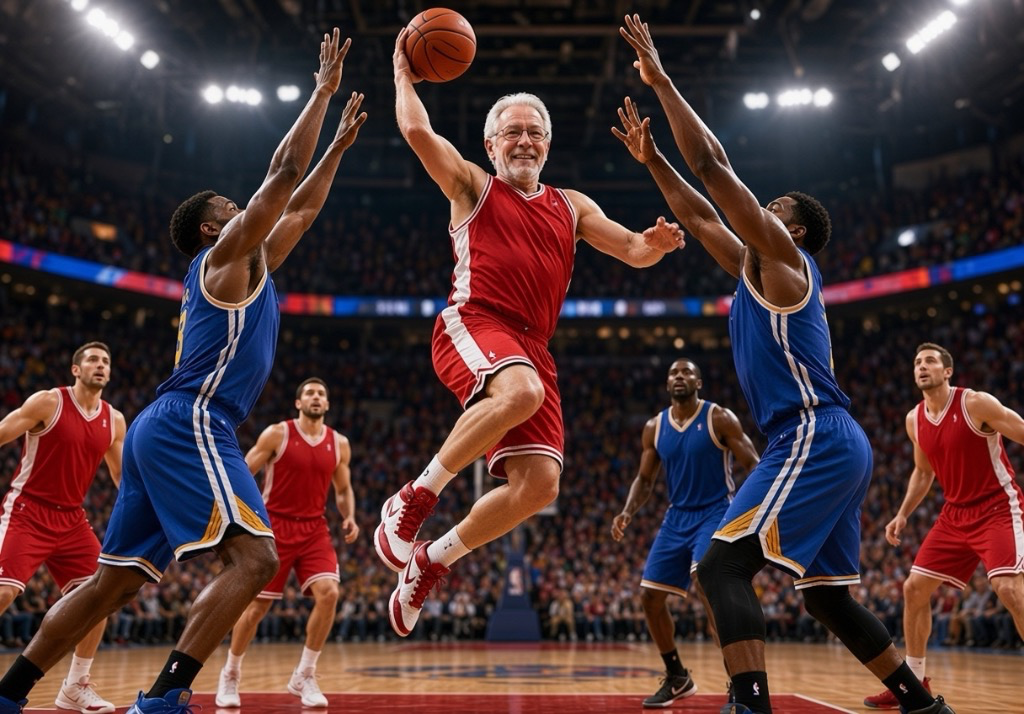
Grandpa as a pro basketball star
Imagine Grandpa soaring to the goal for an all-star slam dunk, or turn everyday snapshots into thrilling sports highlights.

Granddad flying as a superhero
Watch Granddad dress up in a heroic suit and cape, gracefully soaring through sunlit clouds in a magical 7-second animated video.
How it works in 3 simple steps
Creating with AI is as simple as 1, 2, 3.
Select a photo
Open your family gallery in the PhotosInFrame app and choose any photo you want to touch up, transform, or bring to life.
Tell PhotosInFrame what to do
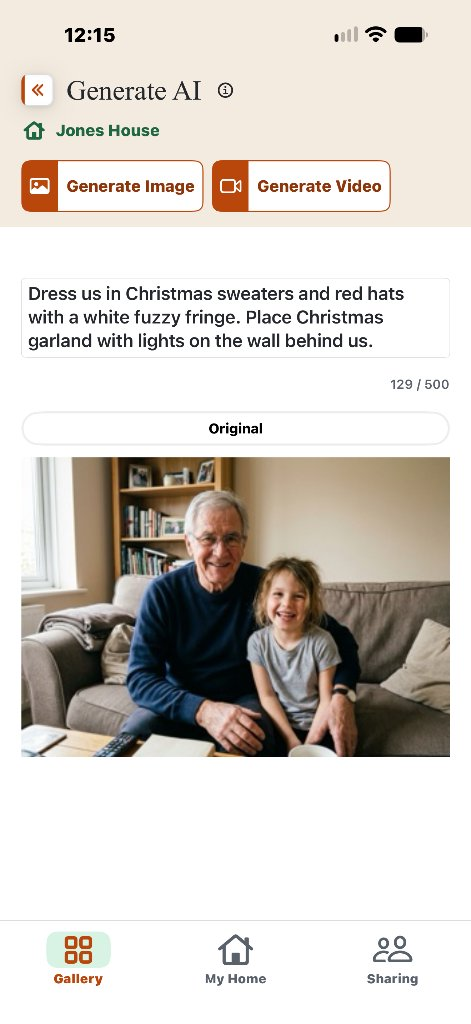
Type your idea in everyday words—clean up clutter, add festive attire, or animate into a gentle video.
Save the generated photo, video or song

Review your private temporary preview. When you love the result, tap Save to Home to display it instantly on your family frames.