
A living scrapbook for your home.
See how simple it is to turn a tablet into a family frame, send photos from your phone in seconds, and share moments with extended family and friends.
Start a living scrapbook for your home.
Place an Amazon Fire tablet, iPad, or Android tablet on a stand on your kitchen counter, living room shelf, or desk. Sign in with Google, and your tablet becomes an always-on, ambient frame ready for family photos.
Share everyday moments in seconds.
Snap a photo on your iPhone or Android phone, or pick from your camera roll. You can add a caption, border, and visual effects to each photo before sending. Choose your family’s frame, and tap Send. Within seconds, your picture lights up on the frame at home—no group text chaos or email attachments.
| Select photos from camera or photos | Shows on Frame |
|---|---|
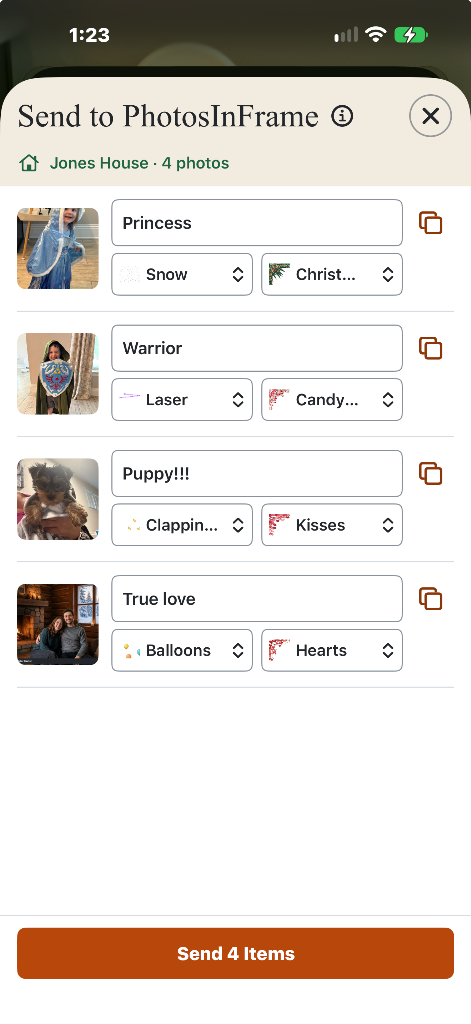
|
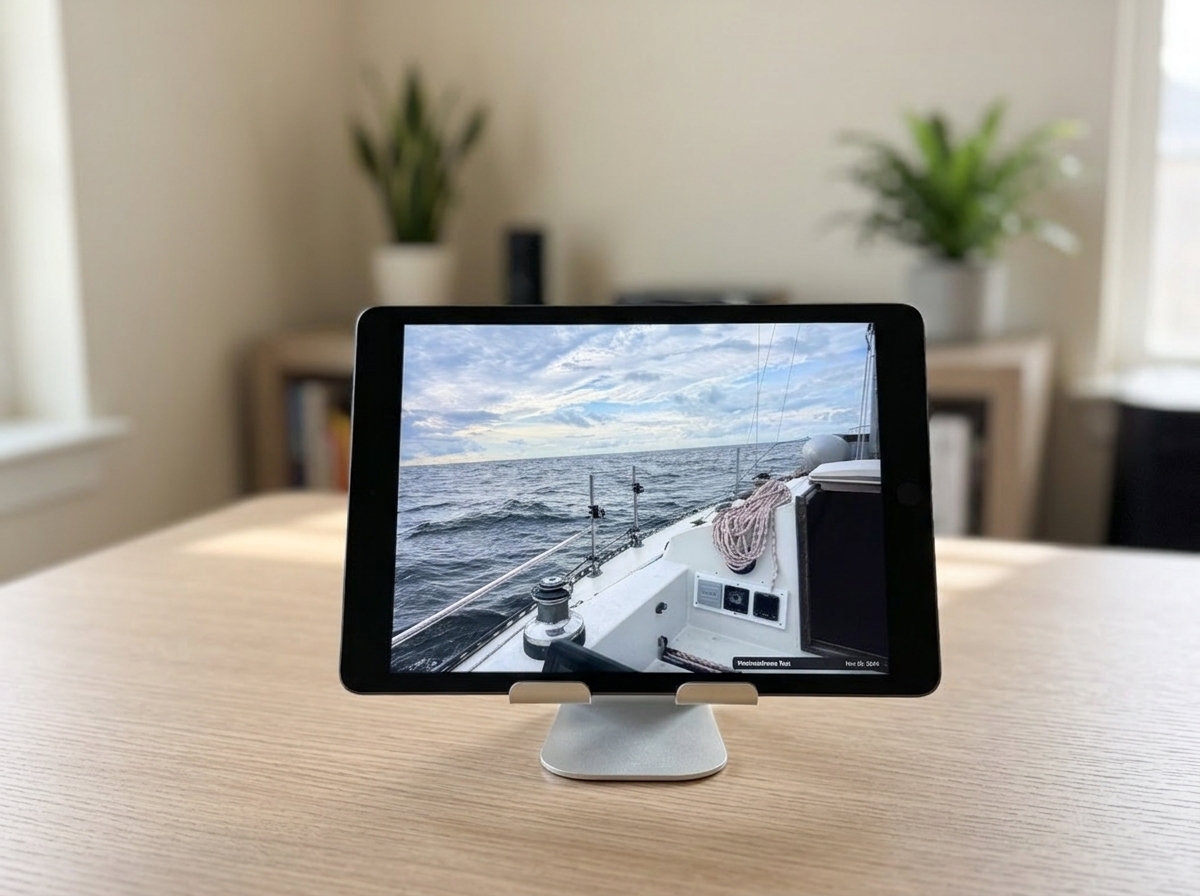
|
Share moments with extended family & friends.
Connect multiple households while keeping each family’s private collection independent. Grandparents get a continuous window into their grandkids' day without needing to navigate apps. Parents share daily milestones. Kids away at college stay connected from their dorms. And close friends can exchange photos for special celebrations.
Enhance your memories with AI.
Clean up shooting mistakes, erase background clutter, dress up in festive Christmas sweaters for the holidays, bring still photos to life with 7-second videos, or turn a favorite photo into a custom song. Preview your creation privately, then tap Save to display it on the frame.
Clean up shooting mistakes
Fix accidental reflections, poor lighting, or awkward framing so spontaneous smiles look natural and bright.
Remove clutter & photobombers
Erase background trash cans, stray cords, or random passersby so the people you love take center stage.
Festive attire & seasonal settings
Add cozy Christmas sweaters, Santa hats, or transport snapshots to a snowy winter cabin by a roaring fireplace.
Bring photos to life in 7-second videos
Animate still memories into living moments: watch smiles widen, kids blow out candles, or family toast together.
Turn a favorite photo into a custom song
Pair a special snapshot with an original ballad, country celebration, rocking hello, or custom song that plays right on your family’s frame.
Festive sweaters & holiday warmth


Quiet, ambient & truly private.
Open Gallery and choose Show Frame. Tap the photo to reveal controls. PhotosInFrame stays awake in the foreground, gently cycling through memories without intrusive notifications, ad tracking, or feeds. Media in My Home is end-to-end encrypted, so your private family moments belong strictly to you.